Digital Interactive Valentine’s Cards
Creating interactive digital Valentine’s cards introduces students to programming concepts while leaning into a fun holiday activity. By working in a digital environment to create Valentines cards that respond to user input, students develop an understanding of cause-and-effect relationships in programming while producing digital artifacts they can share with others.
Structure the activity to begin with a guided exploration of the Code.org’s features, then allow students to experiment with increasingly complex features as their confidence grows.
Main Lesson Plan
Code.org Mini-Project: About Me Lesson Plan (the lesson is an “About Me” mini-project, but this activity will use the digital tool to create interactive Valentine’s Cards)
Supplies:
Code.org Mini-Project: About Me Lesson Plan (the lesson is an “About Me” mini-project, but this activity will use the digital tool to create interactive Valentine’s Cards)
Supplies:
Code.org Mini-Project: About Me Lesson Plan (the lesson is an “About Me” mini-project, but this activity will use the digital tool to create interactive Valentine’s Cards)
Supplies:
Tips for Running Activity
- Encourage students to be playful and creative with their Valentine’s Day cards
- Remind students to test their interactive elements multiple times
- Support students who may need additional help with coding concepts (or scaffold based on your individual student group’s programming knowledge and ability)
- Self-paced Professional Learning for the Teacher to understand how to use and go deeper with the resource
- Encourage students to be playful and creative with their Valentine’s Day cards
- Remind students to test their interactive elements multiple times
- Support students who may need additional help with coding concepts (or scaffold based on your individual student group’s programming knowledge and ability)
- Self-paced Professional Learning for the Teacher to understand how to use and go deeper with the resource
- Encourage students to be playful and creative with their Valentine’s Day cards
- Remind students to test their interactive elements multiple times
- Support students who may need additional help with coding concepts (or scaffold based on your individual student group’s programming knowledge and ability)
- Self-paced Professional Learning for the Teacher to understand how to use and go deeper with the resource
Assessment Opportunities
- Create a gallery walk format for sharing finished cards, where students can both showcase their work and learn from peers’ creative solutions. Have students write out instructions for users on how to interact with their digital card.
- If you don’t have enough time for a gallery walk, have the students share their project link with you (by clicking on the “Share” button on the top right of the screen) and demonstrate all the projects on your computer while projecting to the class
- Utilize (or update) this rubric to help focus students on what they need to include in their card.
- Create a gallery walk format for sharing finished cards, where students can both showcase their work and learn from peers’ creative solutions. Have students write out instructions for users on how to interact with their digital card.
- If you don’t have enough time for a gallery walk, have the students share their project link with you (by clicking on the “Share” button on the top right of the screen) and demonstrate all the projects on your computer while projecting to the class
- Utilize (or update) this rubric to help focus students on what they need to include in their card.
- Create a gallery walk format for sharing finished cards, where students can both showcase their work and learn from peers’ creative solutions. Have students write out instructions for users on how to interact with their digital card.
- If you don’t have enough time for a gallery walk, have the students share their project link with you (by clicking on the “Share” button on the top right of the screen) and demonstrate all the projects on your computer while projecting to the class
- Utilize (or update) this rubric to help focus students on what they need to include in their card.
Extension Opportunities
Have students look through Code.org Block List for Students and have them find new blocks that they can use in their digital card to add more functionality.
Have students look through Code.org Block List for Students and have them find new blocks that they can use in their digital card to add more functionality.
Have students look through Code.org Block List for Students and have them find new blocks that they can use in their digital card to add more functionality.
Exemplar
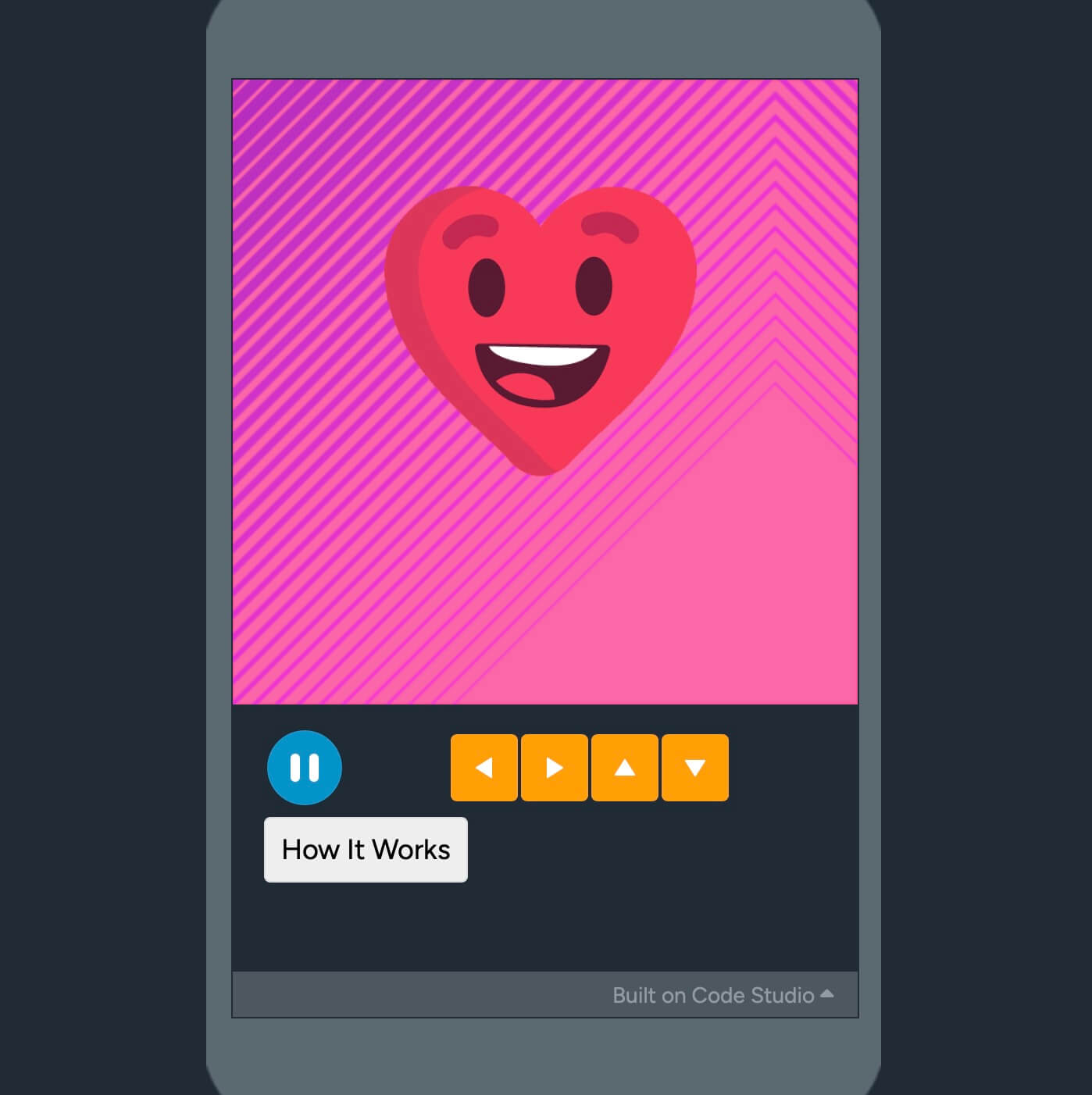
Example Digital Interactive Card
- Instructions for demoing:
- Click on the heart to get the question
- Choose “Yes” or “No” for different animations
- If you click on the “How it Works” button, you can see (and remix) the code
Example Digital Interactive Card
- Instructions for demoing:
- Click on the heart to get the question
- Choose “Yes” or “No” for different animations
- If you click on the “How it Works” button, you can see (and remix) the code
Example Digital Interactive Card
- Instructions for demoing:
- Click on the heart to get the question
- Choose “Yes” or “No” for different animations
- If you click on the “How it Works” button, you can see (and remix) the code